From Wispr Flow to Slack: a recap workflow for Chimpy
How Chimpy turns a dictated recap into text in Jari’s preferred format and automatically pastes it into Slack, without the manual copy-and-paste routine.
A useful recap should not need another writing session. For Jari Brontesi, marketing manager at Chimpy, the workflow starts with speaking: he dictates his recap in Wispr Flow, the text takes the structure and tone he wants, and the result is automatically pasted into his Slack account.
That is the current workflow. It replaces the earlier Google Meet transcript and Slack-shortcut approach described on this page. The aim stays the same: get the important information into the place the team uses, with less manual work between the thought and the message.
The friction was in the handoff
Think about the last recap you shared. Remembering the discussion may have been straightforward. Turning it into a readable message, switching apps, copying it and putting it into Slack took more attention than it deserved.
Those steps are small individually. Together, they make a useful habit easy to postpone. A recap that arrives while the discussion is fresh gives people something concrete to act on. A recap that is still waiting to be tidied sits on somebody’s mental to-do list.
The Chimpy workflow brings those steps together. Jari supplies the substance by dictating. The formatting follows how he wants to communicate. Slack receives the resulting text automatically.
The preferred format is part of the system
Transcription alone is only part of the job. Spoken notes and a useful written recap have different shapes. Speech includes repetition, changes of direction and thoughts that make sense aloud but need a little structure on the page.
The important design choice is to use the person’s preferred format. A recap should sound like the person who is responsible for it and be familiar to the people reading it.
For a similar workflow, useful examples would include a short recap, a detailed one and one with several action items. Those examples help establish how much detail belongs in the output, how decisions should be presented and what a finished message looks like. They are more useful than simply asking for a “professional summary.”
Wispr Flow → preferred recap → Slack
The confirmed flow has three parts:
- Dictate the recap in Wispr Flow. The person provides the important points while they are fresh.
- Transcribe it in the preferred structure and tone. The output follows the format the person wants.
- Automatically paste it into Slack. The text arrives in Jari’s Slack account without the separate manual copy-and-paste routine.
Automatic pasting is not the same claim as automatically sending a message to a channel or person. This case describes the confirmed handoff into Slack. It does not claim that the system independently chooses recipients or sends messages without review.
Names, numbers and responsibilities still deserve attention. Formatting cannot recover a decision that was never spoken, and a polished sentence can still contain a mistaken date. A good workflow makes the communication easier without pretending the source is infallible.
What the time saving could look like
Here is an illustrative calculation, not a measured Chimpy result. If four recaps a day each lose three minutes of manual formatting and app-switching, the saving is twelve minutes a day. Across five days, that is one hour a week.
The actual figure depends on how many recaps the person creates and how much of the old process disappears. A fair comparison would time the whole task before and after, including corrections. Counting only the automation’s execution time would miss the work the person still does.
The recap workflow is one part of the four automations for Chimpy. The others cover twice-daily Slack and email digests, invoice PDFs filed into Google Drive, and cleanup of dictated messages. Each addresses a different recurring handoff.
Where the existing tools fit
Wispr Flow describes its product as dictation that turns speech into polished writing in the apps people use. Its product page specifically includes Slack. That matters because a workflow can start in the place the message belongs, instead of creating another destination for the person to manage.
Slack’s message guide describes composing and sending messages. Keeping those actions distinct is useful when specifying an automation: “the text is in Slack” and “the team has received the message” are different acceptance criteria.
These product pages explain the underlying tools. The description of Chimpy’s setup comes from the project itself. It should not be read as a claim that every Wispr Flow installation automatically produces the same customized recap.
What I would check in a similar handoff
A useful check starts with ordinary examples and then covers the awkward ones. Try a short recap with one decision. Try a longer recap with several people and deadlines. Try a correction spoken halfway through a sentence. In each case, compare the finished text with what the person intended to say.
Then check the destination. Was the right Slack conversation open? Did the complete recap arrive, including paragraph breaks? If the person changes apps during dictation, does the text still land where expected? If a step fails, can they recover their words without dictating everything again?
These are proposed checks for a comparable project, not a claim that a particular test suite ran at Chimpy. They explain what dependable means in practice: the message is accurate enough to review, it appears in the right place and a small interruption does not turn into lost work.
This is also why the dictation cleanup workflow is related but distinct. A meeting recap follows a recurring structure. A quick email or Slack reply may only need tighter language. Sharing a writing style does not mean forcing every message into the same template.
Start with a message you already write
For another business, the useful starting point is a real recurring message: a meeting recap, a site update, a sales handover or a daily report. Identify how it is captured, what the finished version should look like and where it needs to land.
The project can be small. One dependable handoff is a worthwhile scope when it removes a recurring nuisance. The tools and level of customization should follow the actual task.
Book a free 30-minute call and bring an example of the message you keep rewriting or copying between apps. We can look at a practical workflow, the setup involved and any ongoing support. Pricing is quoted around the agreed scope.
Questions people ask
How does Chimpy’s recap workflow work?
Jari dictates the recap in Wispr Flow. The workflow transcribes it in his preferred structure and tone, then automatically pastes the result into his Slack account.
Does this workflow depend on Google Meet transcripts?
The current recap workflow starts with dictation in Wispr Flow. It replaces the earlier Google Meet and Slack-shortcut design described on this page.
Is automatic pasting the same as automatically sending a message?
No. Pasting text into Slack and sending it to a recipient are separate actions. The confirmed workflow automatically pastes the formatted recap into Jari’s Slack account.
How much time does the recap workflow save?
An illustrative estimate is one hour a week if it removes three minutes of manual work from four recaps per day, five days a week. This is not a measured result for Chimpy.
Can you build something similar for my business?
Yes. The workflow can be scoped around your tools, preferred writing format and destination. The setup fee and any ongoing support are quoted after discussing the scope.
Sources
- 1.Wispr Flow: voice dictation · Product overview: dictation, formatting and writing in apps including Slack.
- 2.Slack: Send and read messages · Message composition and sending are separate steps.
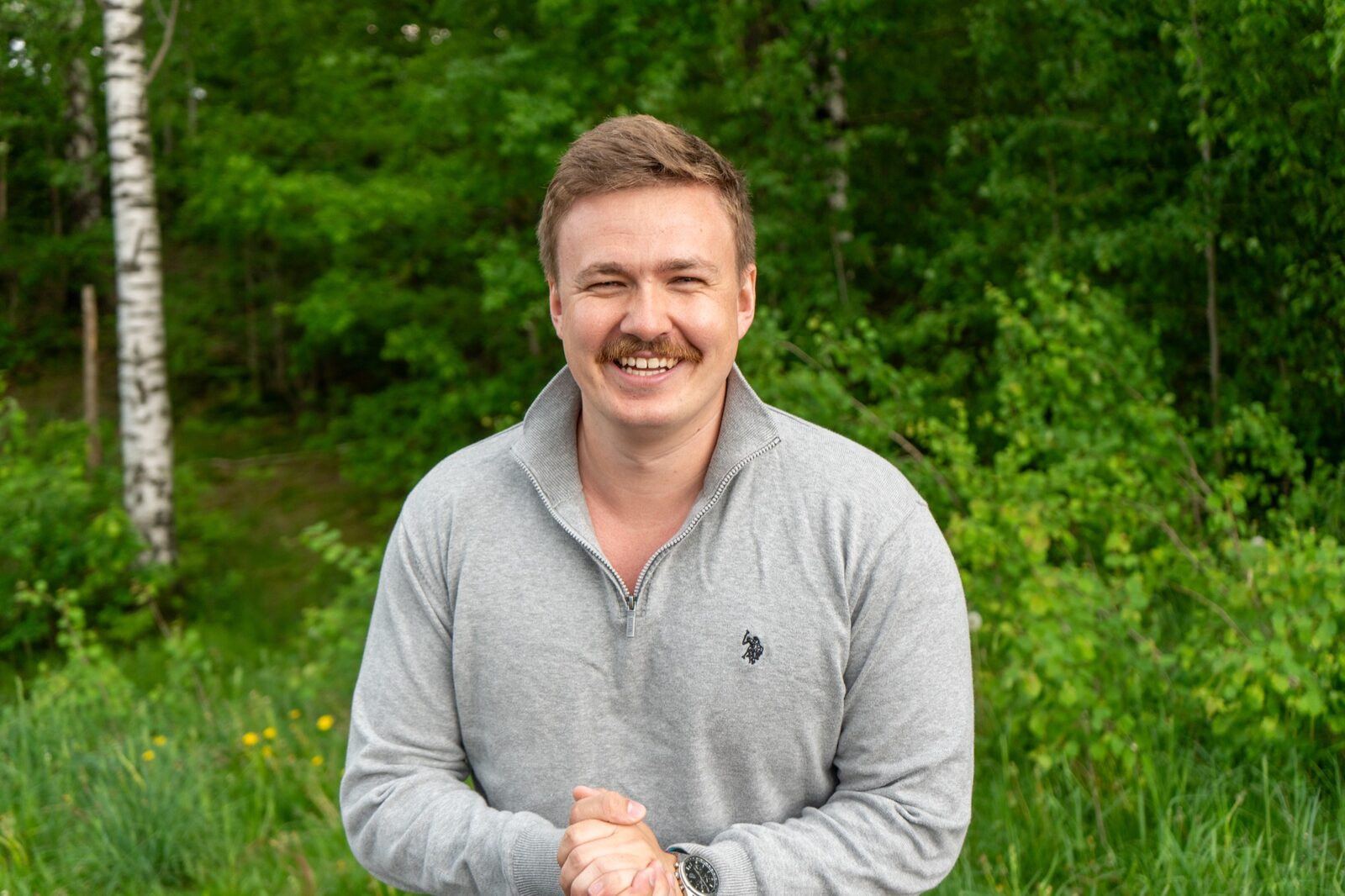
Written by Ivar André Knutsen
I build and run AI systems, internal tools and workflow automation. You work directly with me from the first conversation through implementation and support. About Ivar
Want this looked at in your business?
We look at where you want the business to go, what is slowing you down and where AI could make a useful difference. You get a clear recommendation: a tool to try, a focused automation, a broader system or a closer look at the process. Any build is scoped and quoted before work starts. Free, no obligation.
Single automations are quoted on the call: a setup fee plus a monthly retainer to run them. Full systems start at $4,500, fixed scope, fixed price.
Book a free 30-minute call